Built for Developers.
Hardened for Security.
Powered by Arch.
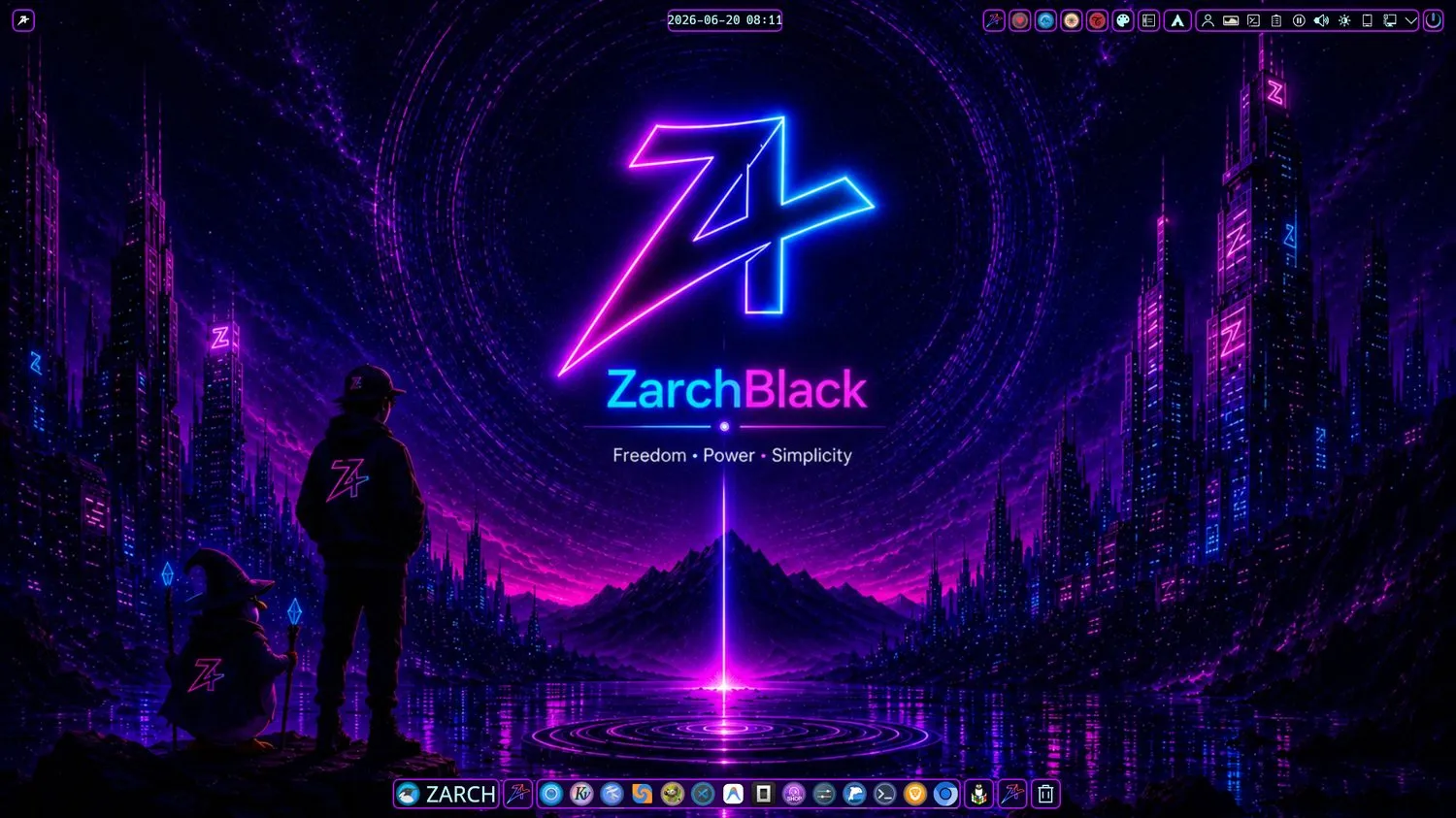
A premium Arch-based operating system unifying Arch Linux, CachyOS optimizations, BlackArch security tools, and a refined KDE Plasma 6 Wayland desktop.
Why ZarchBlack
Engineered to balance raw power, beauty, and security.
Arch Foundation
Rolling-release power from Arch Linux with CachyOS optimized schedulers and performance-tuned kernels. Always the latest packages.
KDE Experience
A meticulously customized KDE Plasma 6 desktop on native Wayland — Darkly theme, Layan decorations, and Catppuccin Mocha Lavender.
Security Focus
Hardened defaults with ufw / firewalld firewalls and firejail sandbox isolation. Direct BlackArch integration for 2000+ tools.
Development Ready
Full programming stacks for Python, JavaScript, Go, Rust, and C/C++ with VS Code and JetBrains IDEs pre-configured out of the box.
The Architecture Layer
Five carefully integrated layers, from kernel to desktop.
Arch Linux
Rock-solid rolling-release base with the bleeding-edge package ecosystem and the AUR.
CachyOS Layer
Performance repositories, optimized CPU schedulers, and tuned kernels for raw speed.
KDE Plasma 6
A fluid, modern Wayland desktop environment refined for power users and beauty alike.
BlackArch Integration
On-demand access to 2000+ penetration testing, forensic, and security utilities.
ZarchBlack Tools
Custom-built apps — ZarchGuard, Zarch-Hacking, ZPackageManager — that tie it all together.
Built for Power Users
Whatever you build, break, or maintain — ZarchBlack fits.
Developers
Out-of-the-box dev configs, compilers, runtimes, and IDEs ready the moment you boot.
Ethical Hackers
Direct integration with advanced penetration testing frameworks and isolated sandboxes.
System Administrators
Advanced diagnostics, automation tooling, and self-healing maintenance utilities.
Power Users
Total control with a curated visual system and deep customization at every layer.
Content Creators
OBS Studio, Kdenlive, GIMP, Krita, and Audacity pre-installed for production work.
Custom ZarchBlack Tools
Purpose-built applications that make the system uniquely yours.
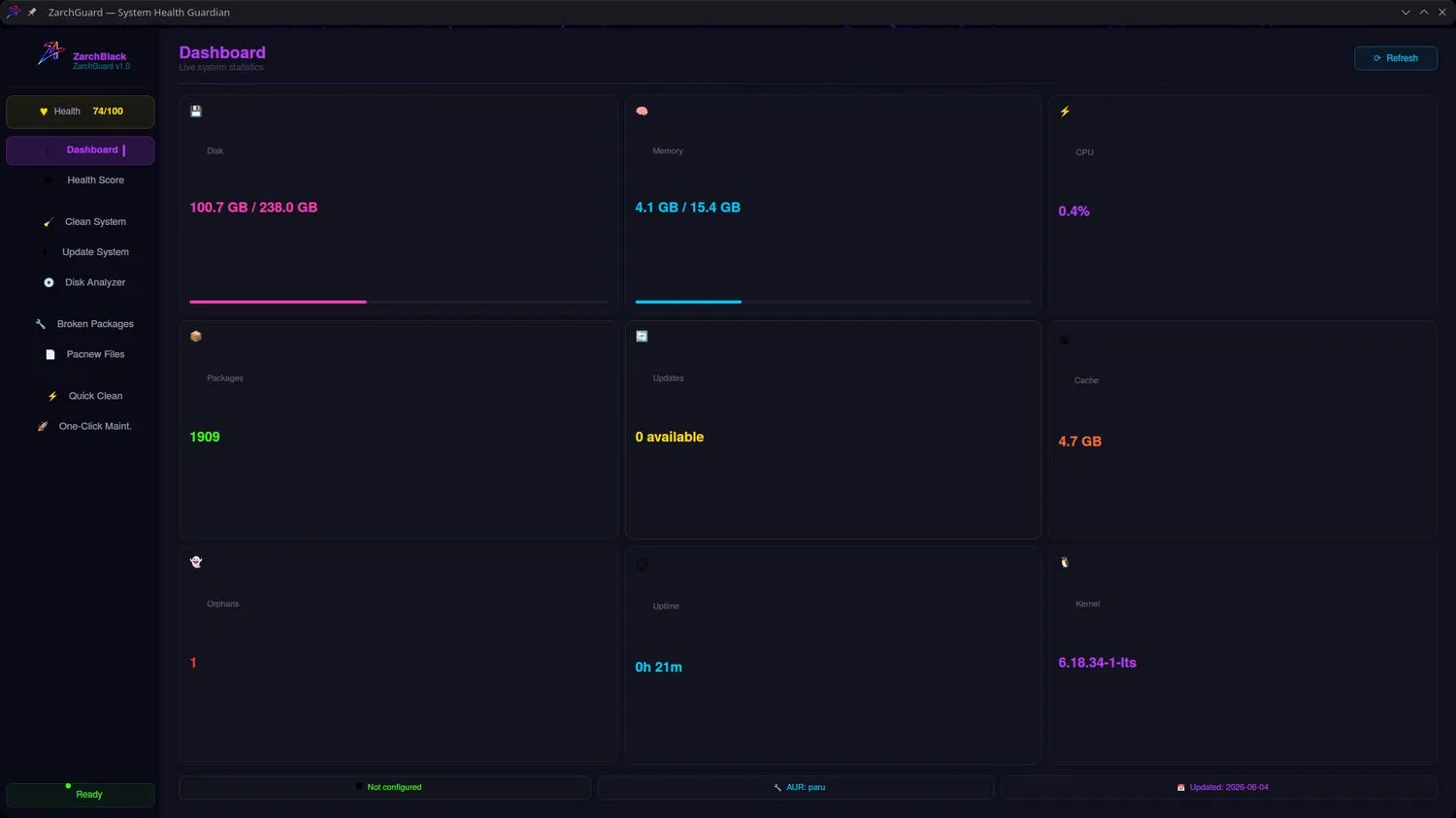
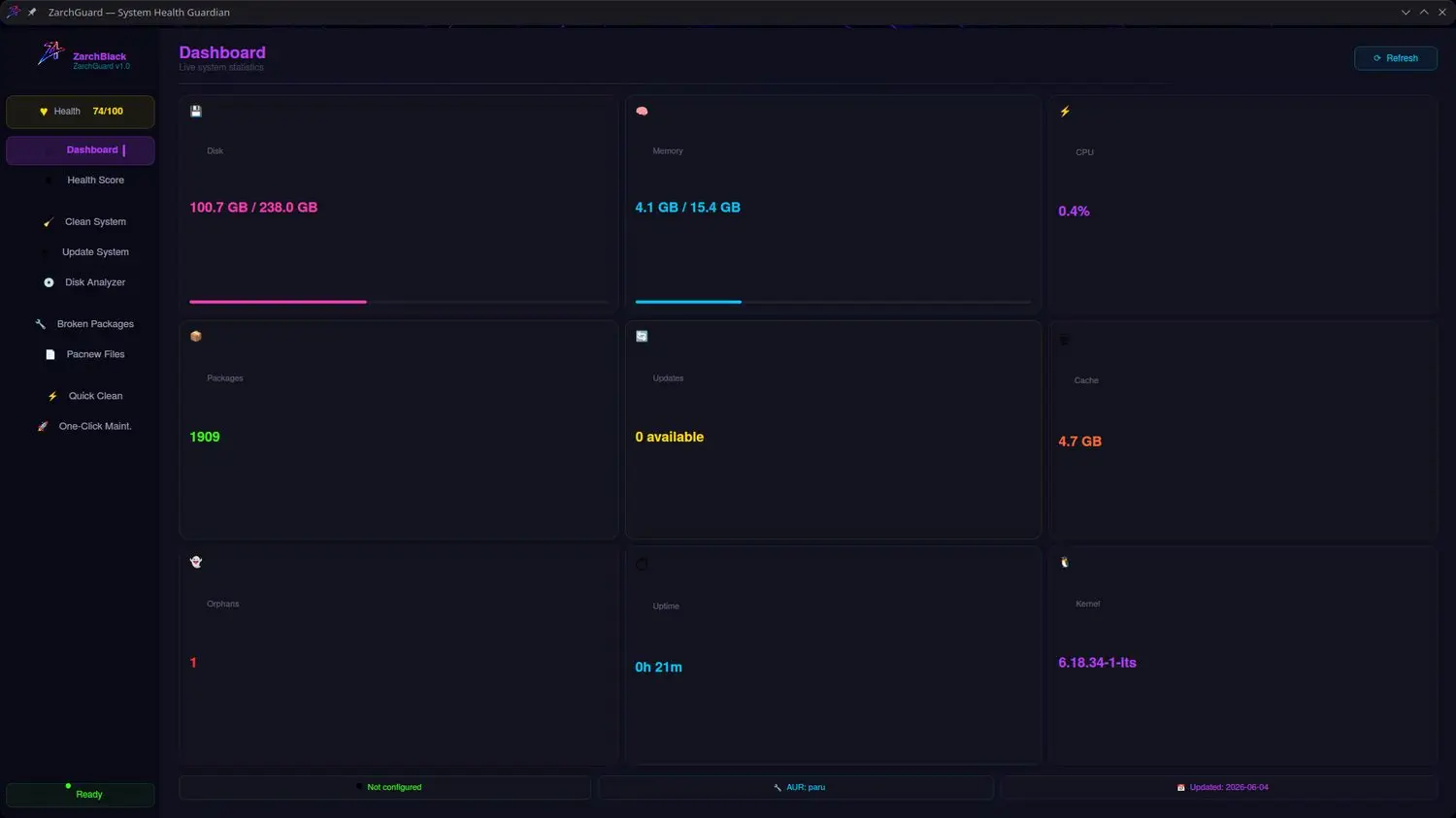
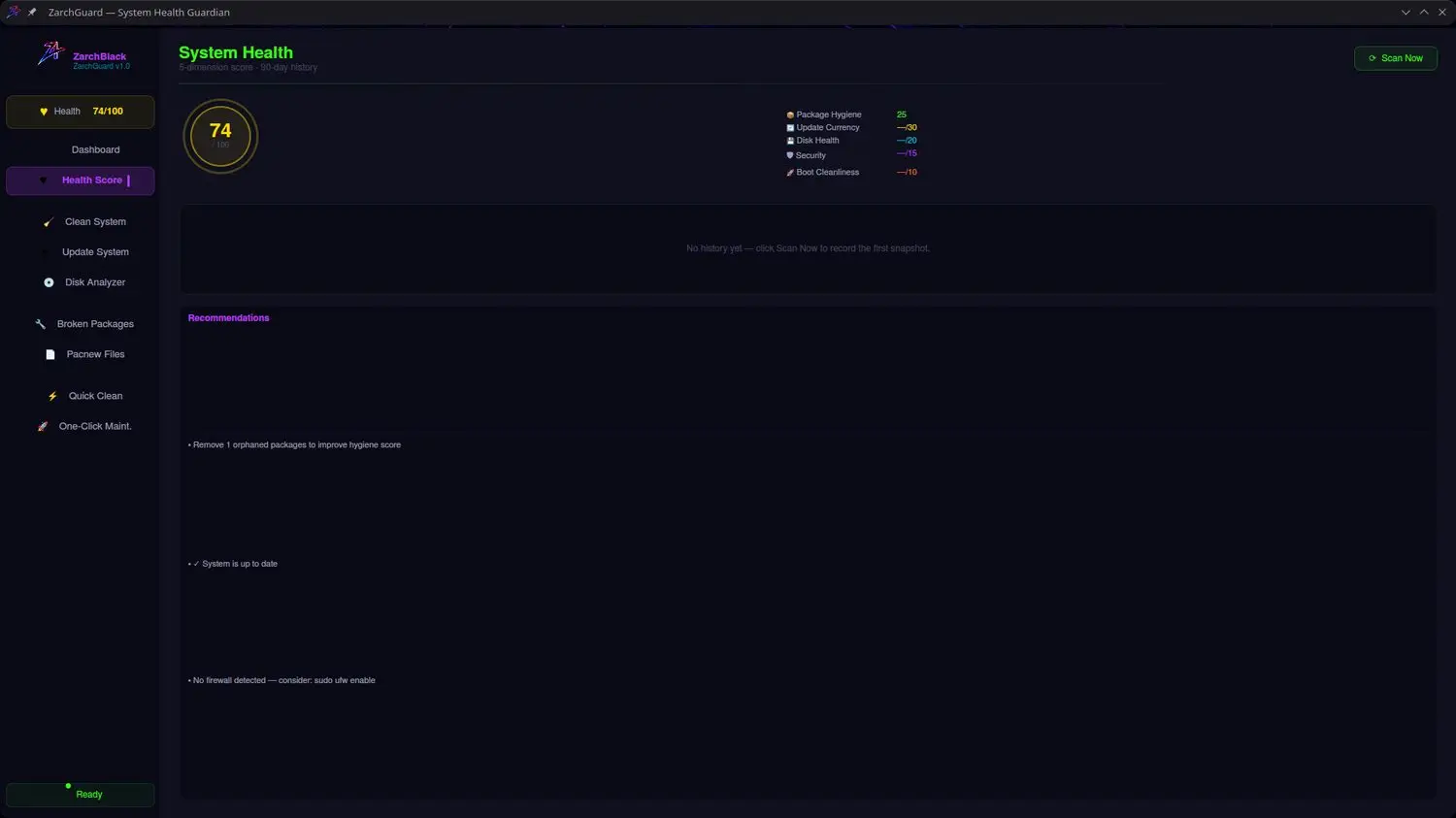
ZarchGuard
A complete system diagnostic and maintenance dashboard that optimizes your system, scores its health across 5 dimensions, and cleans resources safely.
- Rolling system updates for pacman and AUR packages
- Deep clean engine — orphans, package cache, temp files
- Self-healing tools that repair broken packages
- 5-dimension health score with 90-day history


Zarch-Hacking
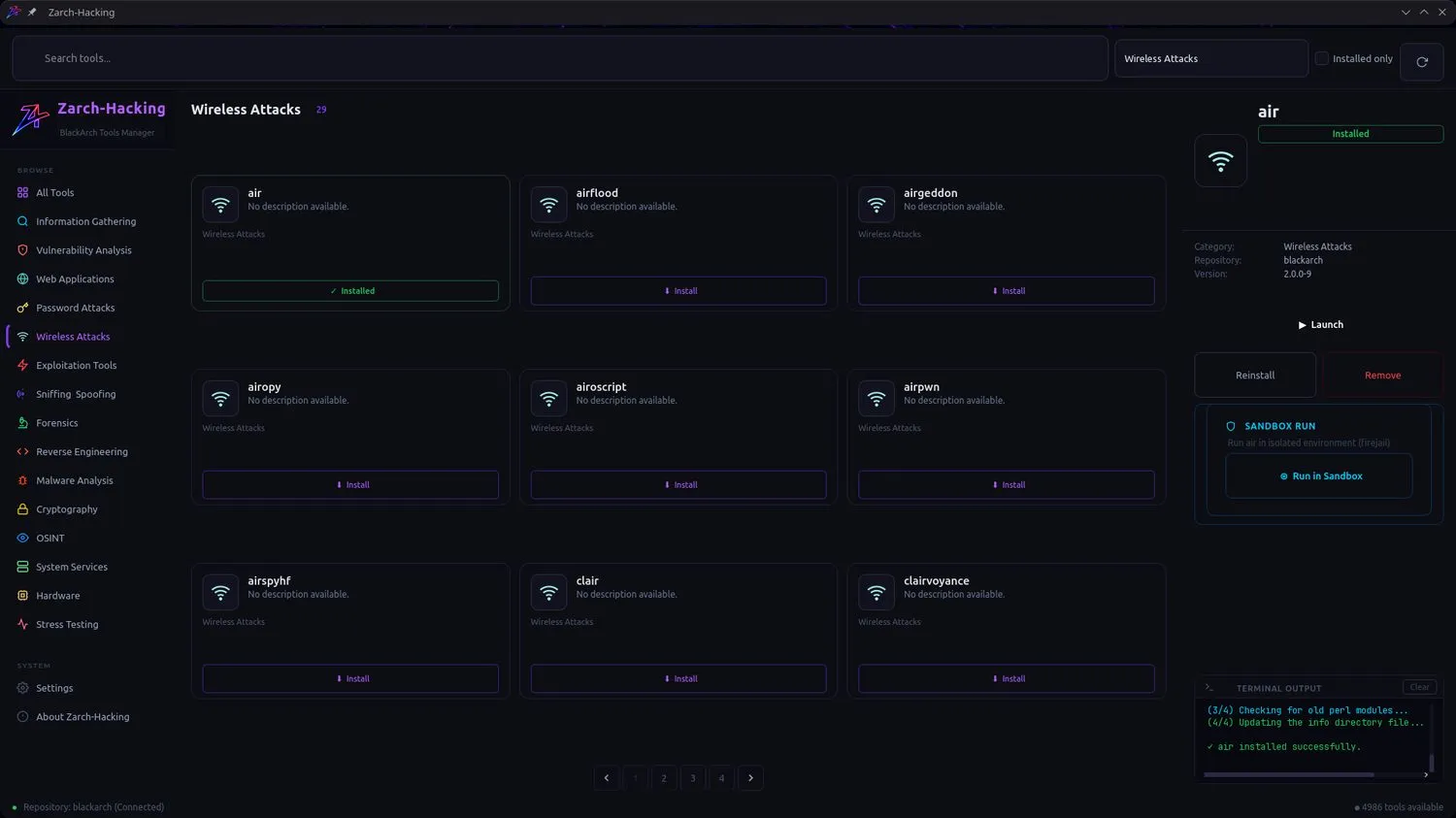
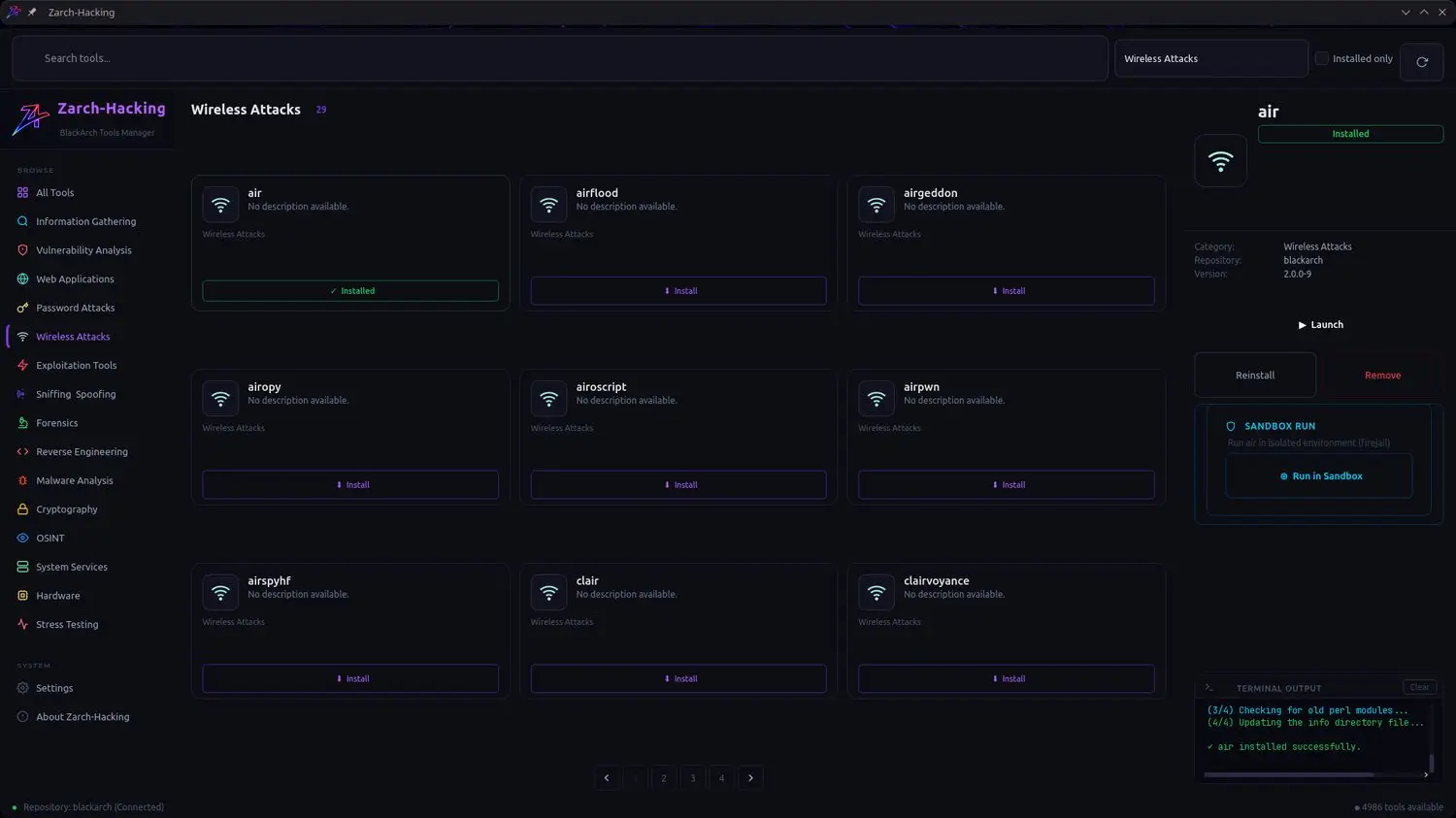
An advanced dashboard for ethical hackers and security researchers to browse, classify, and install penetration testing tools from the BlackArch catalog.
- BlackArch integration — 4900+ tools available
- Logical categories: Recon, Wireless, Forensics, Reverse Engineering
- Safe sandboxing with firejail isolation
- One-click install, reinstall, and launch
ZPackageManager
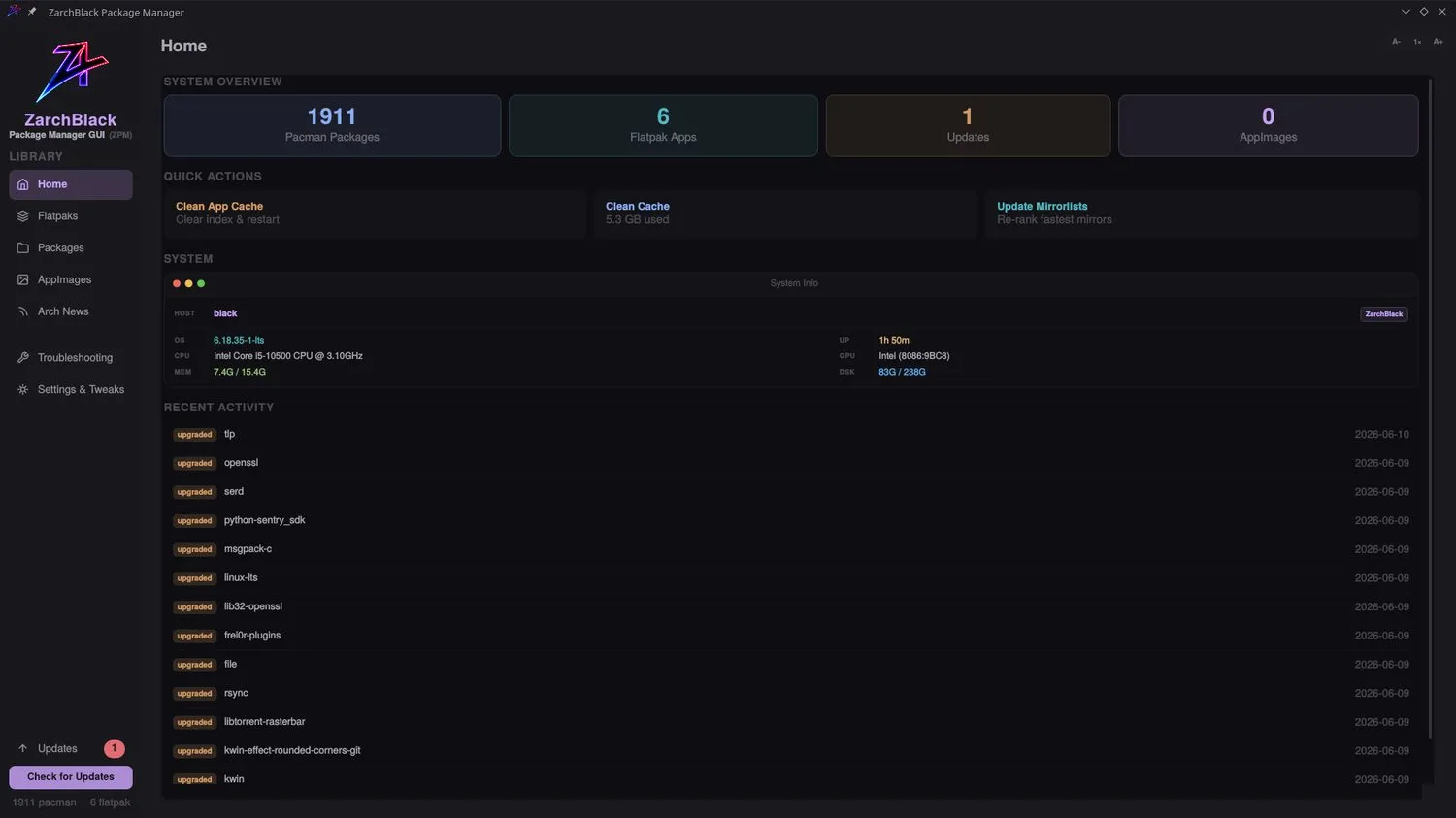
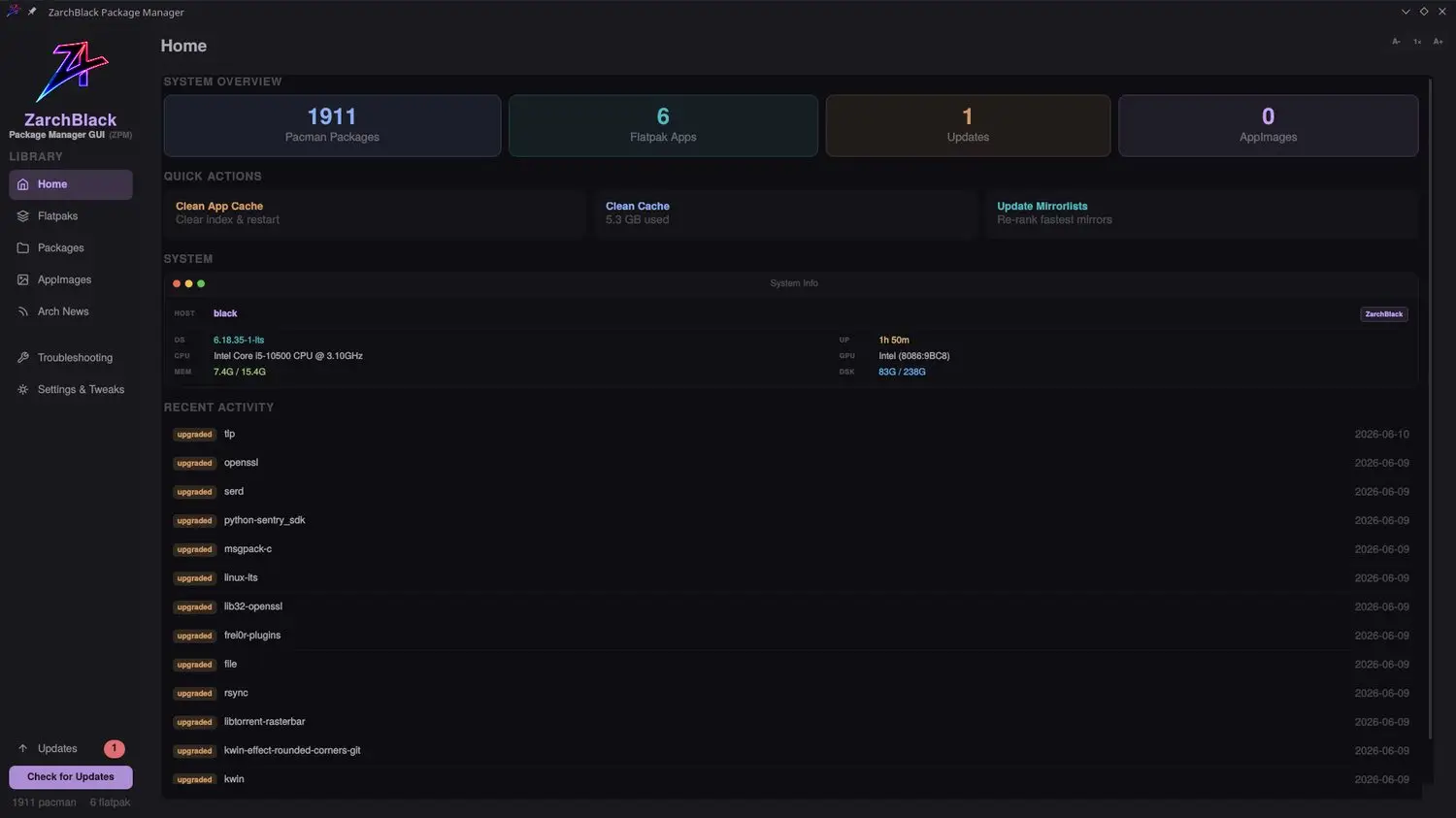
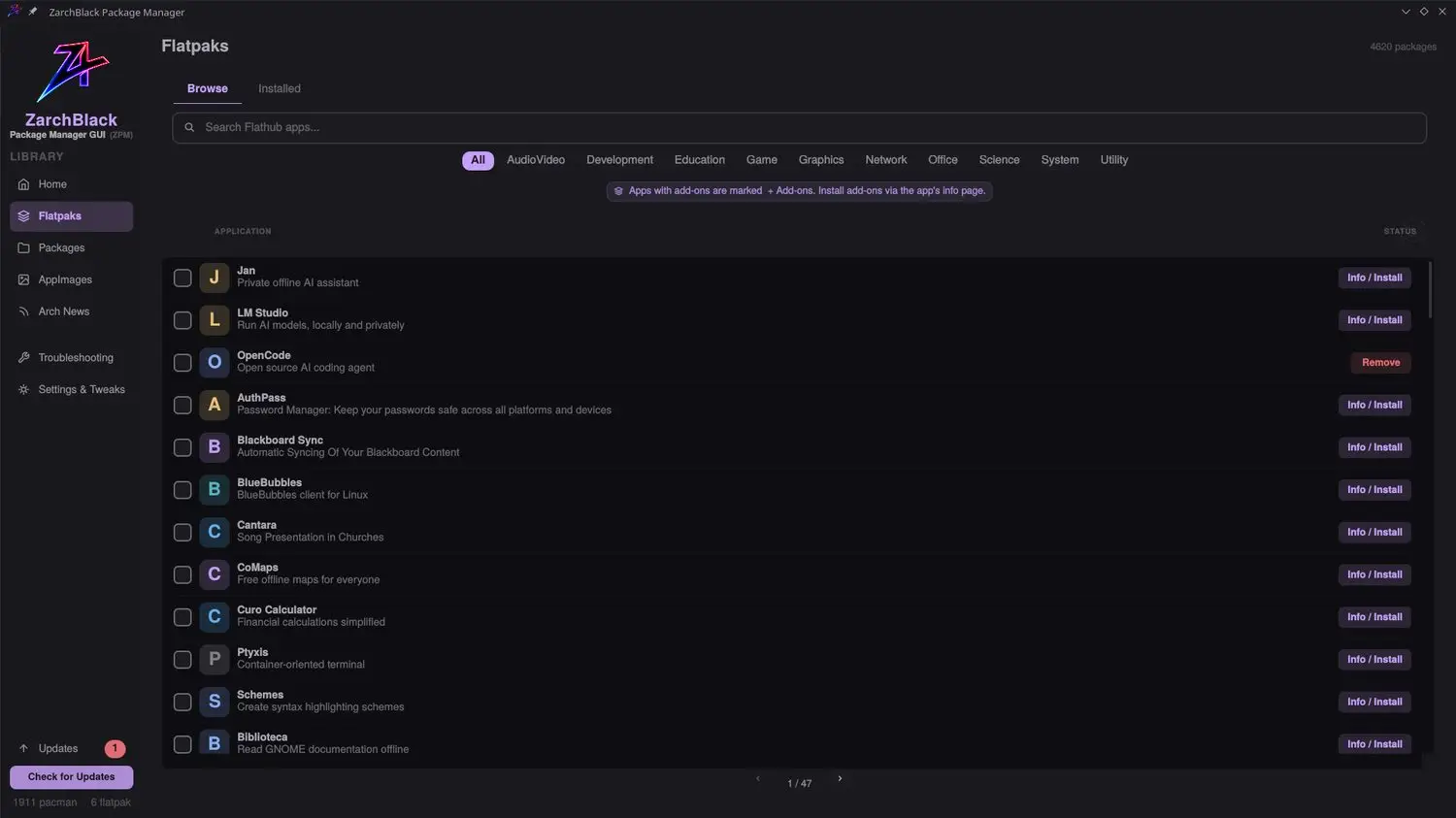
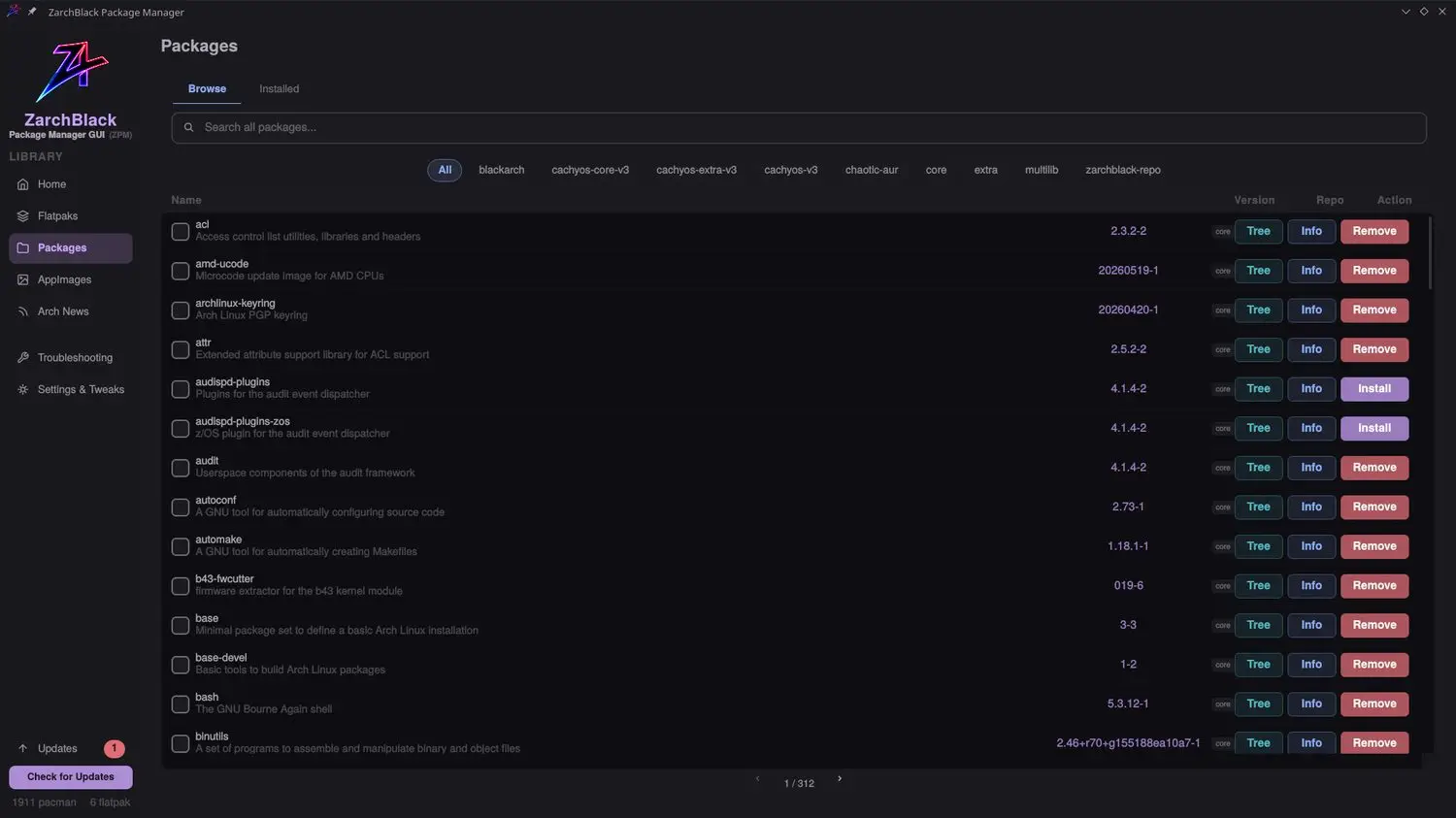
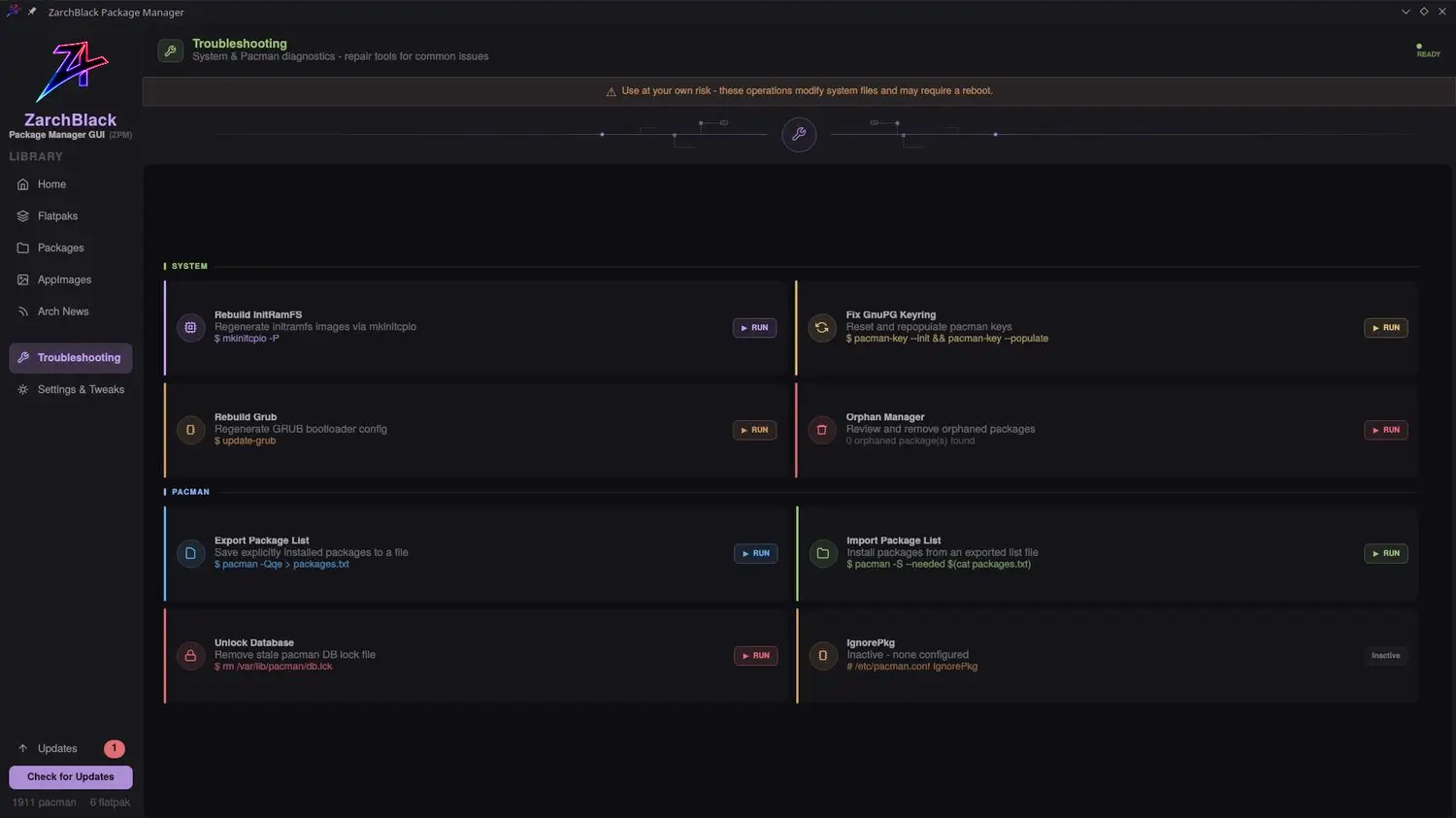
A powerful GUI that simplifies installing software and configuring repositories across pacman, Flatpak, and AppImages — with dependency tree analysis.
- Manage pacman, Flatpak, and AppImage sources in one place
- Repo configuration: CachyOS, BlackArch, Chaotic-AUR, custom
- Dependency tree analysis to avoid conflicts
- Built-in troubleshooting & repair toolkit


Full Control. One Interface.
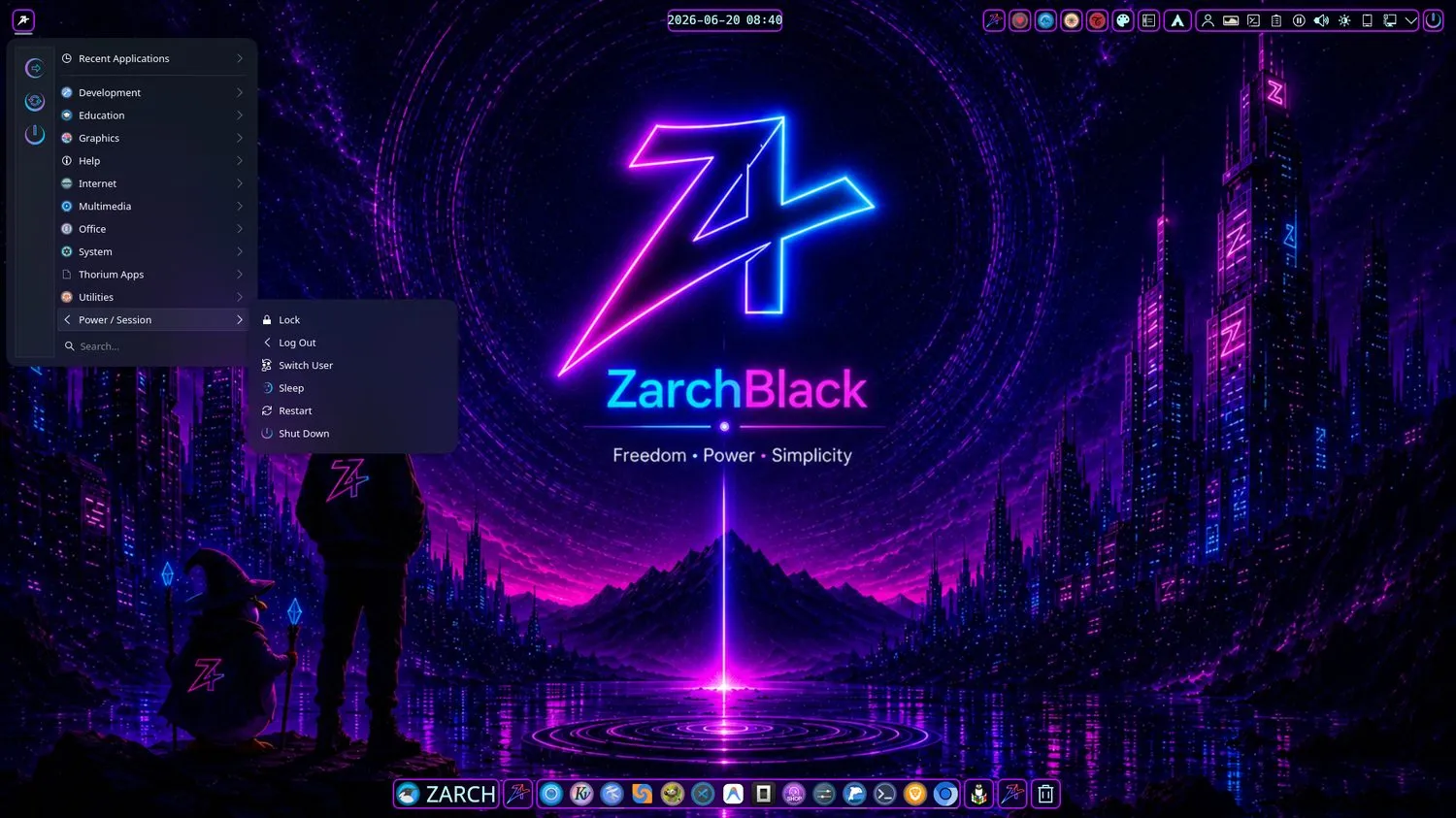
A meticulously tuned KDE Plasma 6 Wayland desktop, refined down to the pixel.
Workflows That Flow
From first boot to deep work — optimized paths for every task.
Developer Workflow
- 1 Boot into a tuned KDE Plasma 6 Wayland session
- 2 Open VS Code or JetBrains with stacks pre-configured
- 3 Use modern CLI tools — eza, bat, ripgrep, fd, starship
- 4 Manage everything through ZPackageManager
Security Workflow
- 1 Launch Zarch-Hacking to browse the BlackArch catalog
- 2 Install tools by category — recon, wireless, forensics
- 3 Run utilities in isolated firejail sandboxes
- 4 Keep the system hardened with ZarchGuard health scans
Preinstalled Arsenal
Modern, fast, feature-rich tools ready the moment you boot.
Development
Security
Multimedia
Utilities
Networking
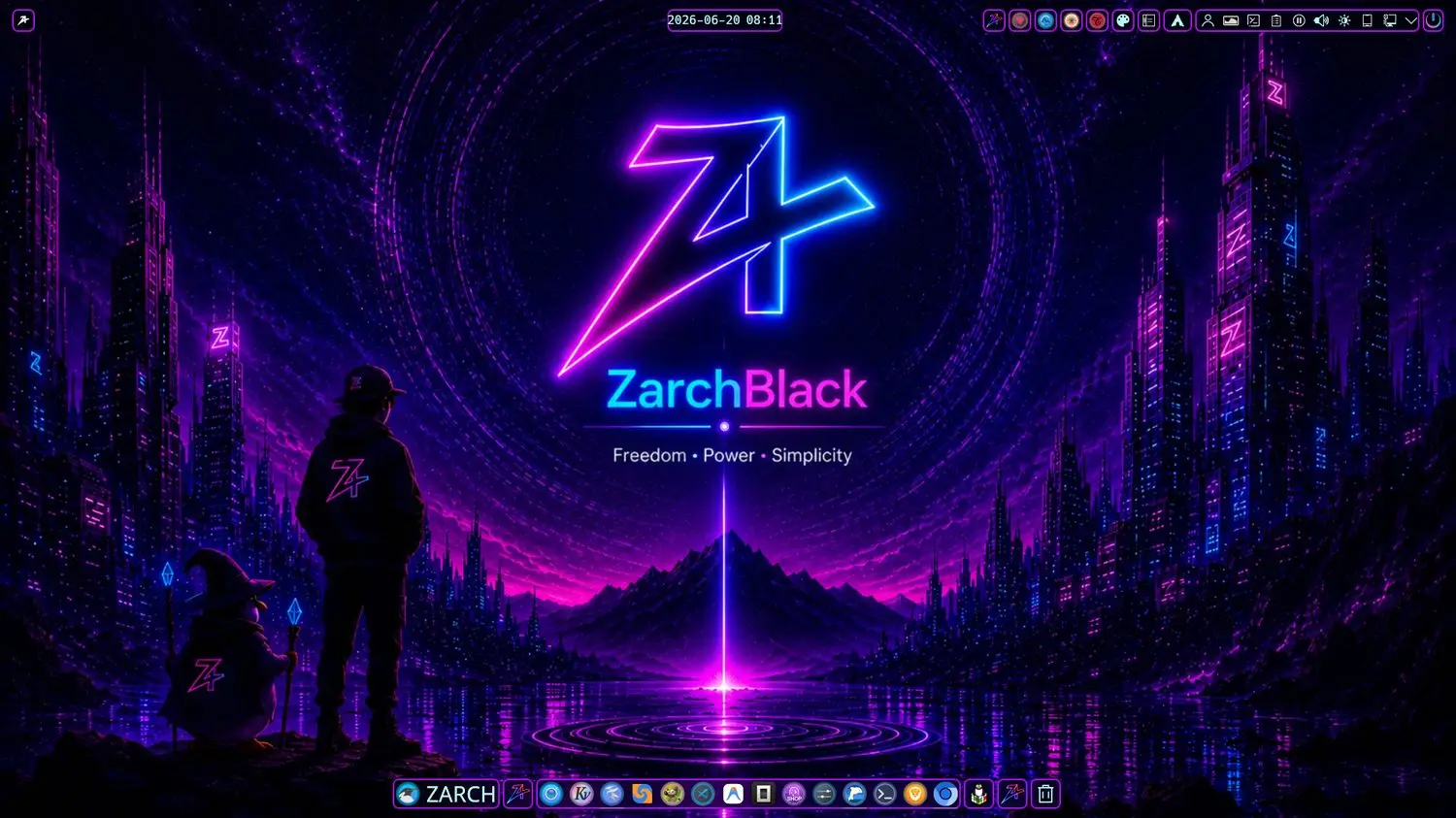
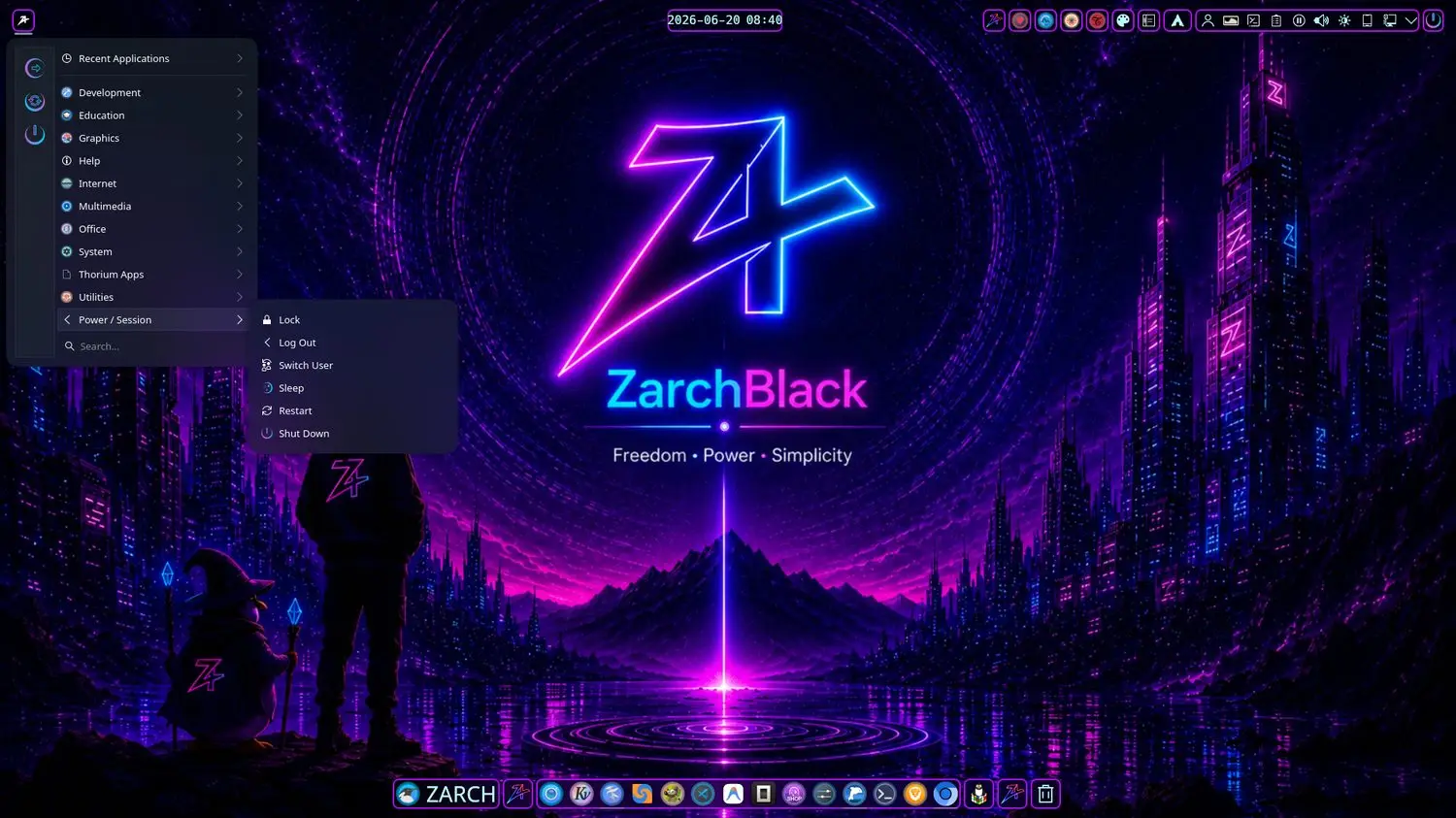
System Gallery
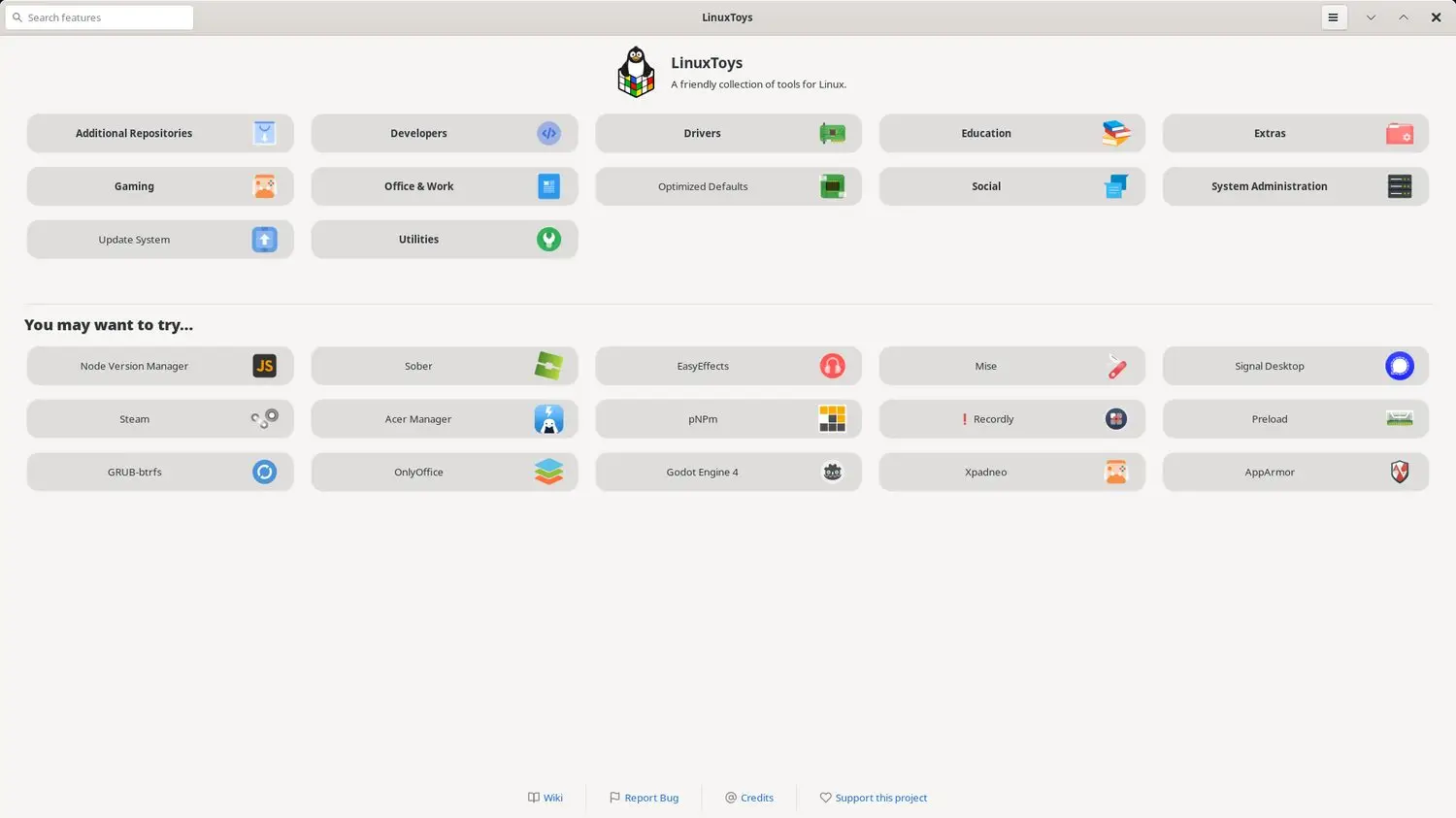
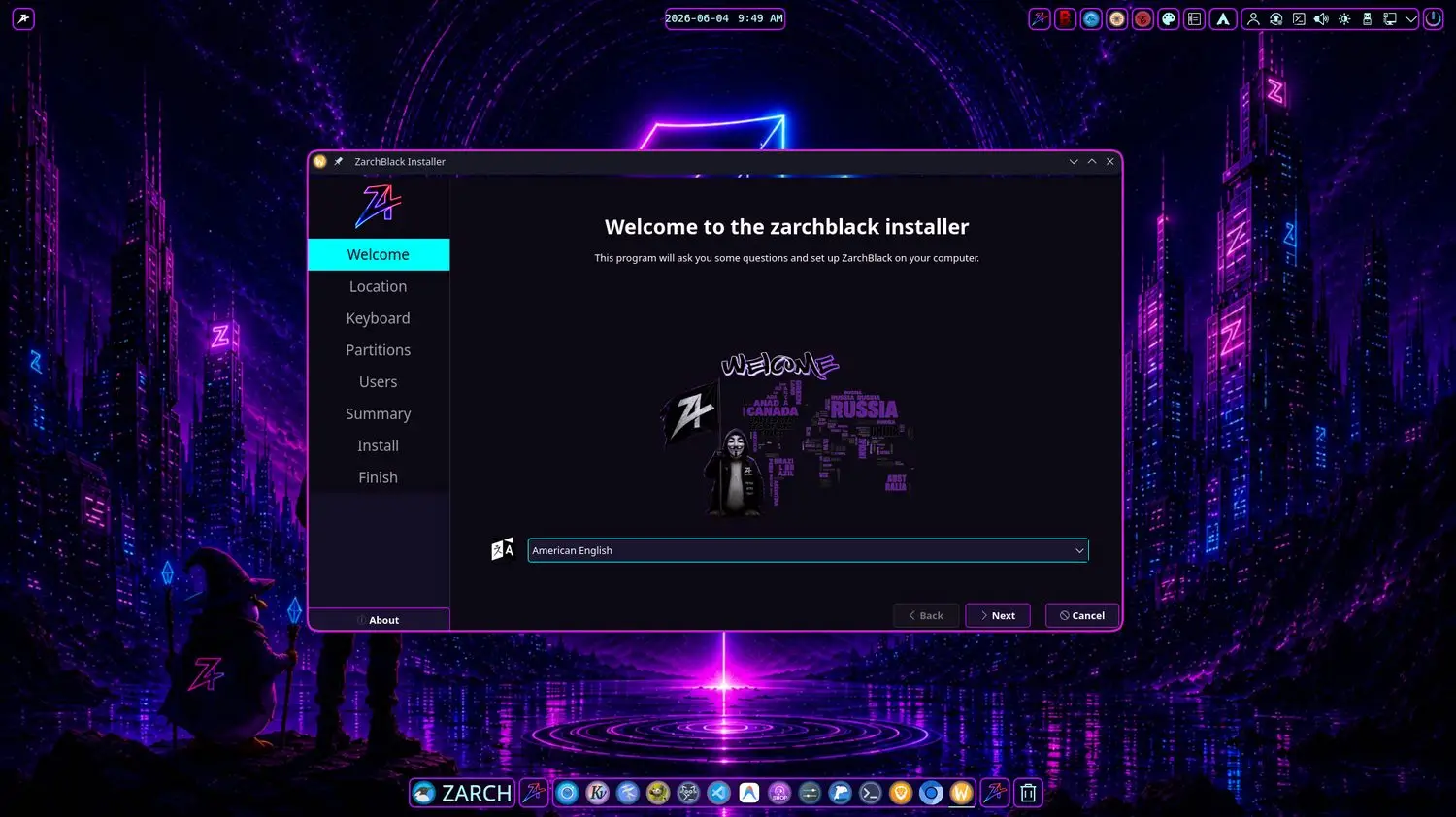
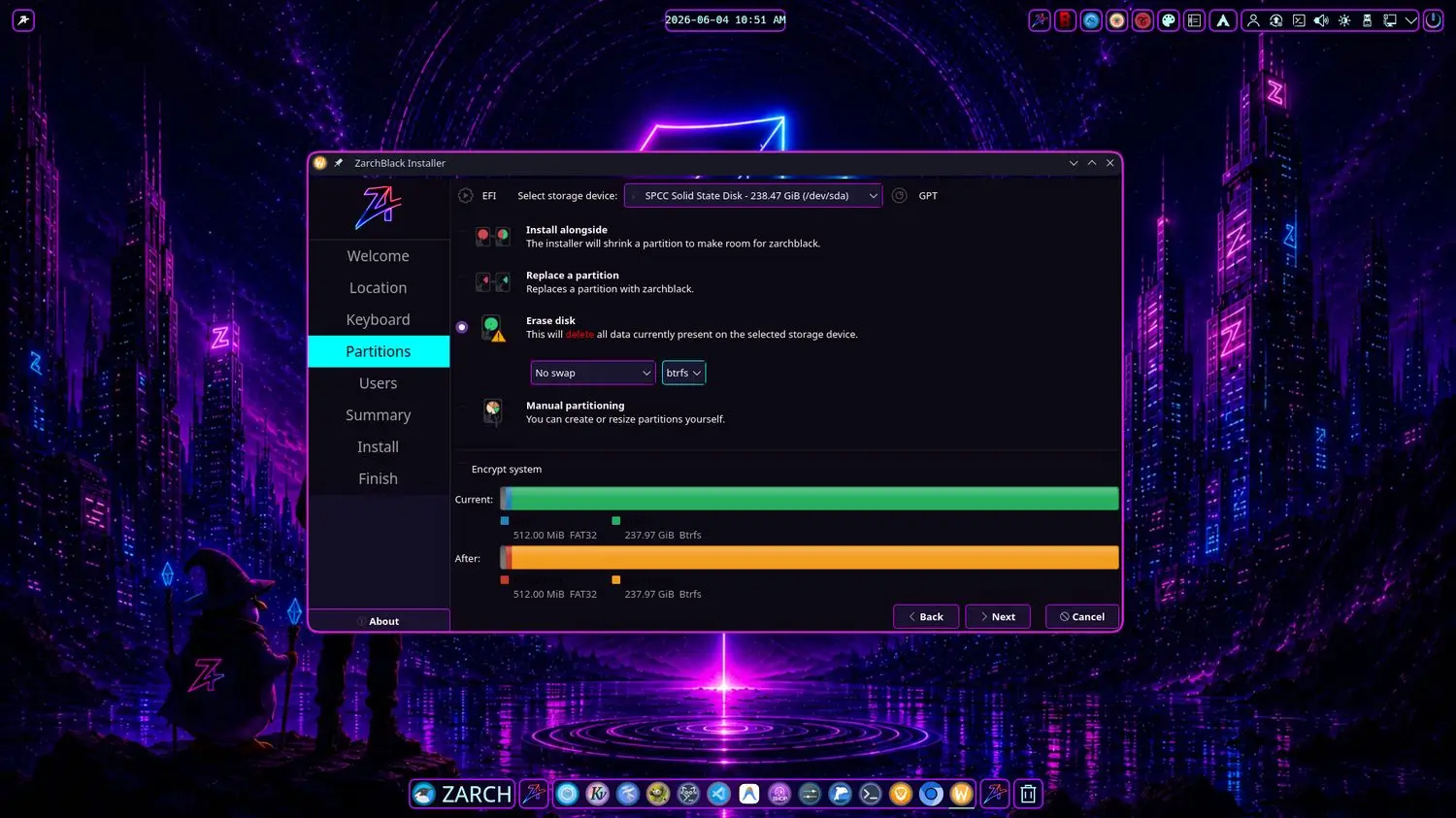
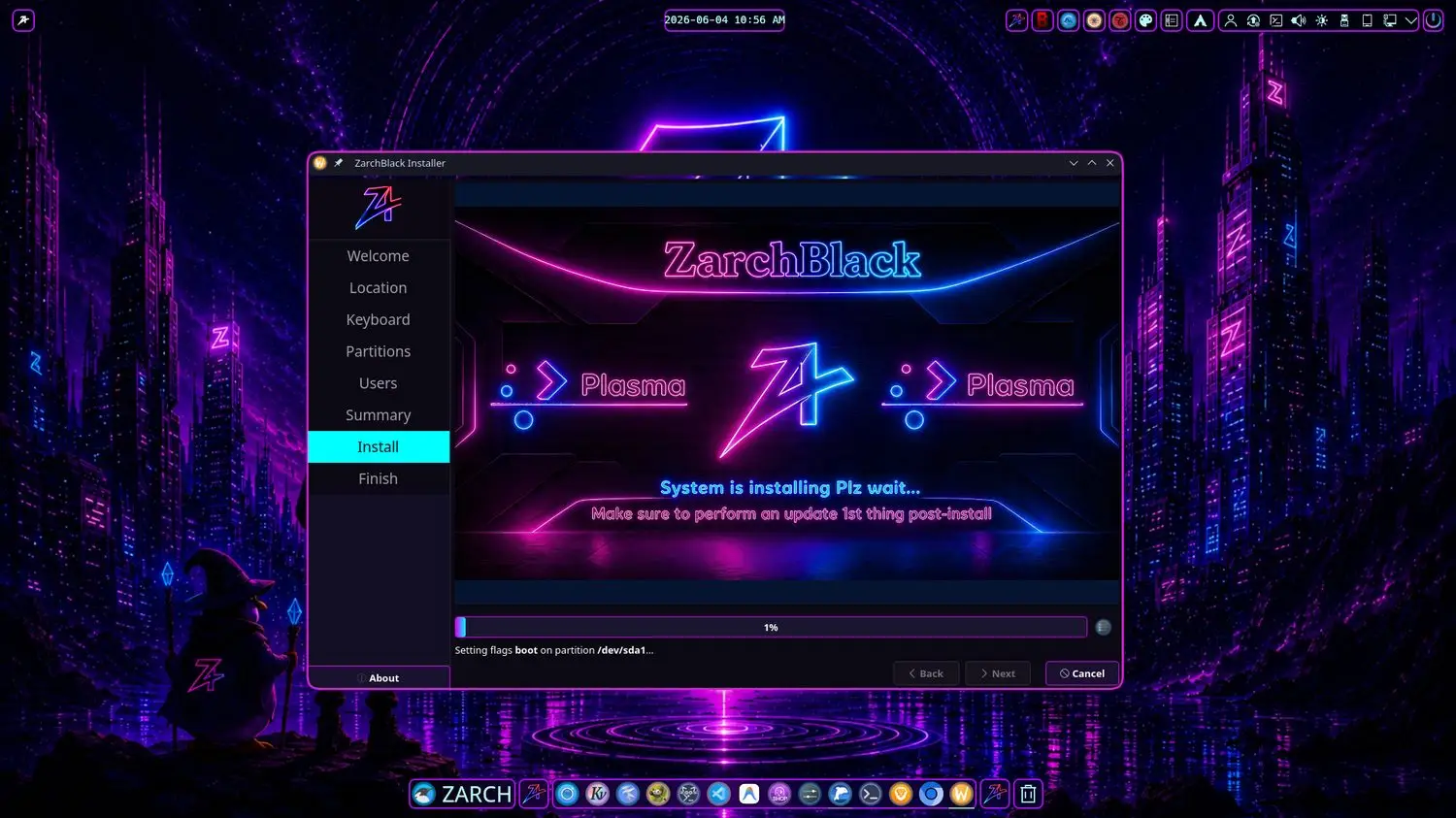
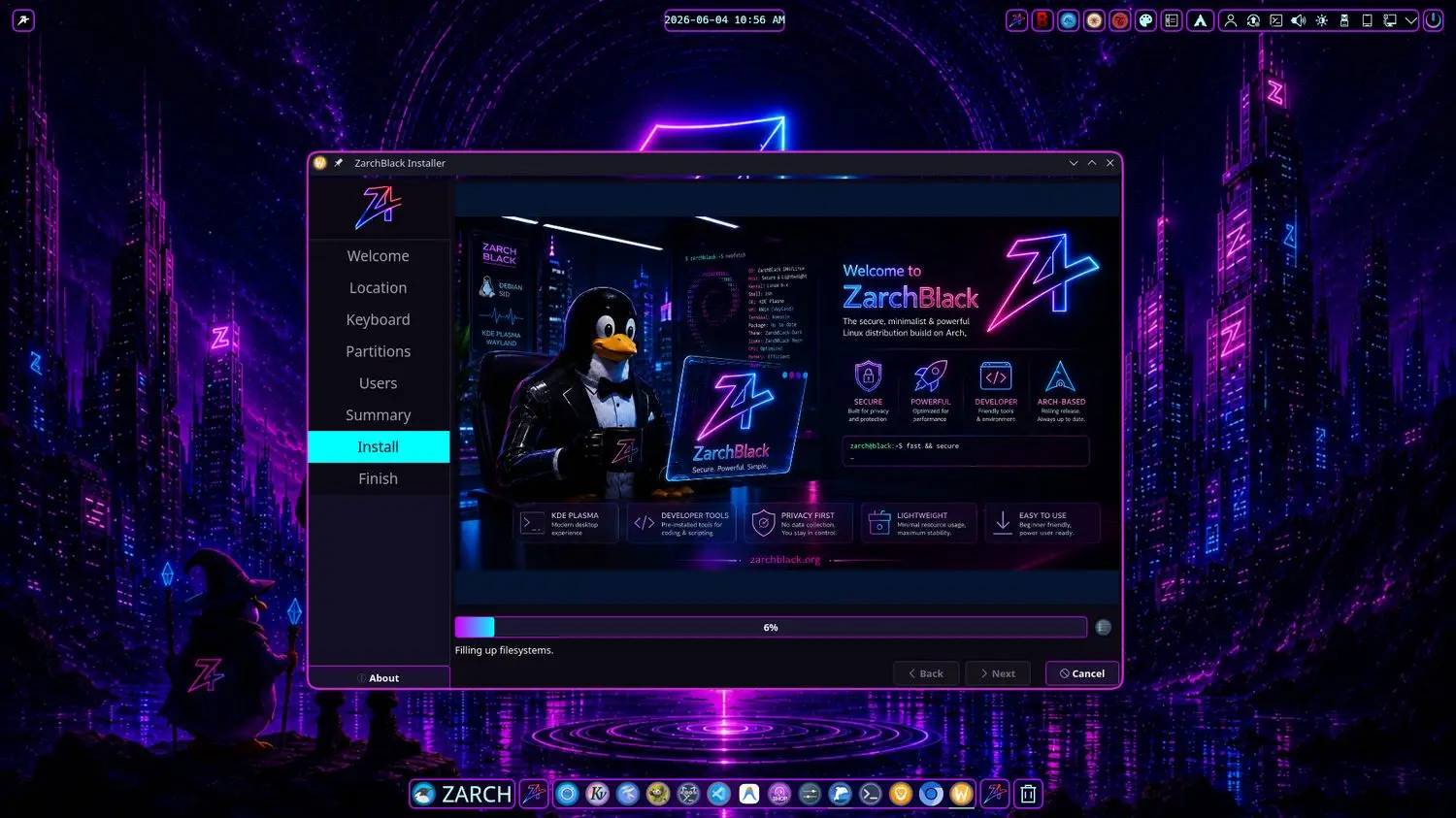
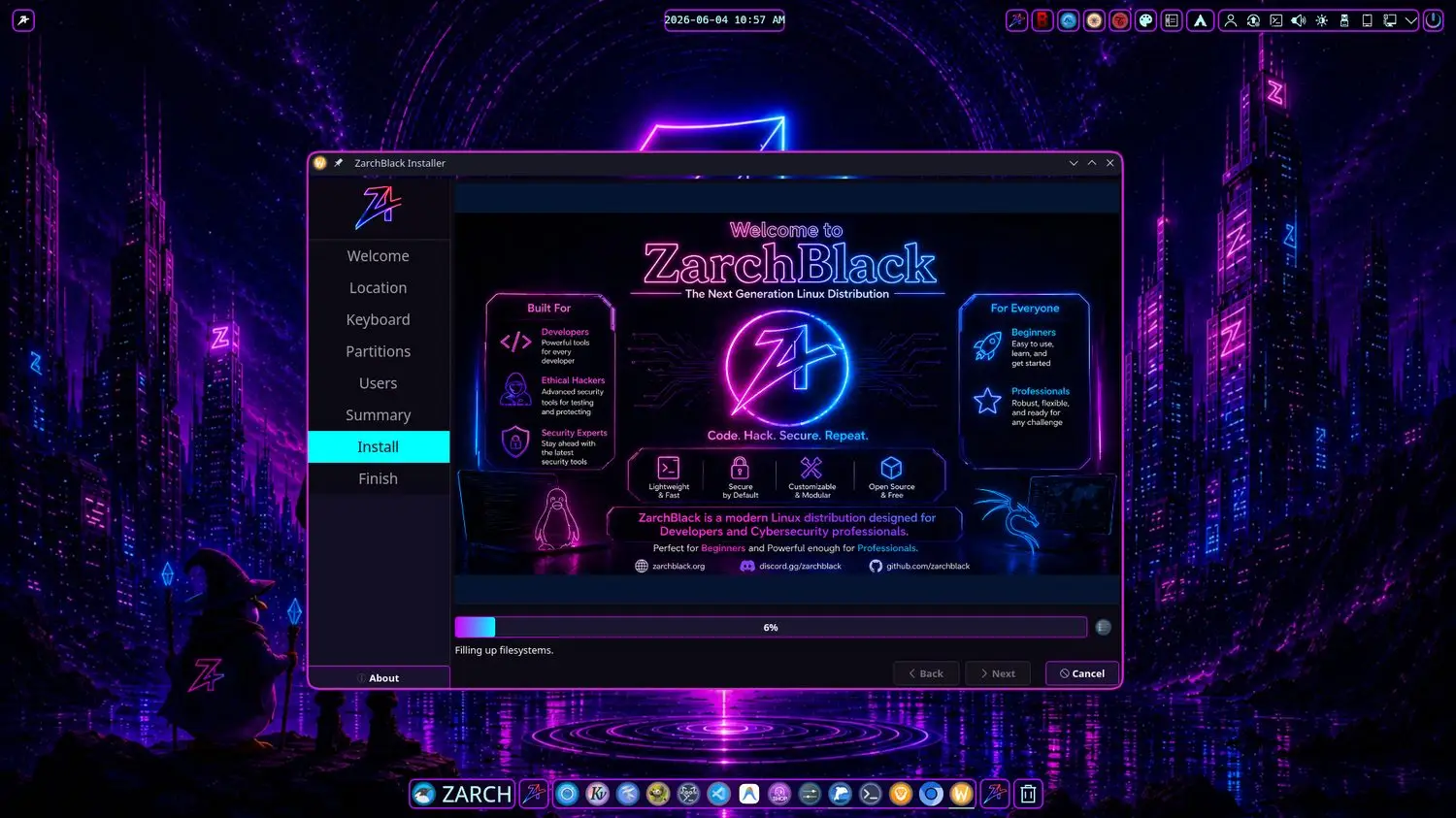
Real screenshots of the ZarchBlack desktop, tools, and installer.
Download Center
Get the latest stable ZarchBlack release — verified and ready for bare metal.
| Component | Minimum | Recommended |
|---|---|---|
| CPU | 2.0 GHz dual-core (64-bit) | 3.0 GHz quad-core+ |
| RAM | 4 GB | 8 GB or more |
| Disk | 30 GB | 100 GB or more |
| Display | 1366×768 | 1920×1080 or higher |
| Graphics | Basic support | Dedicated GPU |
Release Notes
A transparent changelog of every ZarchBlack release.
v1.0Stable
- Solid Arch Linux foundation with CachyOS repository enabled
- Initial releases of zarch-hacking, zarchguard, and zpackagemanager
- Highly customized KDE Plasma 6 desktop on Wayland
- Full programming stacks: Python, JavaScript, Go, Rust, C/C++
- Pre-configured IDEs — VS Code and JetBrains
Roadmap
Where ZarchBlack is headed next.
Shipped
ZarchBlack v1.0 Stable
First public stable release with the full custom toolset.
BlackArch Integration
On-demand access to 4900+ security tools via Zarch-Hacking.
In Progress
Official Documentation Wiki
Comprehensive guides, tutorials, and troubleshooting.
ZPackageManager 2.0
Faster search, batch operations, and richer dependency graphs.
Planned
Calamares Theming Polish
Refined installer branding and automated post-install wizard.
Secure Boot Support
Signed kernels and shim for full UEFI Secure Boot compatibility.
Future
Cloud Sync for Configs
Optional encrypted sync of dotfiles and theme settings.
ARM / SBC Builds
Experimental images for ARM single-board computers.
Join the Community
Built in the open. Everyone is welcome to contribute.